Why SysR00t
Everything your NOC needs in one place
Fewer truck rolls, faster answers on the phone, and new subscribers online without touching the ONT.
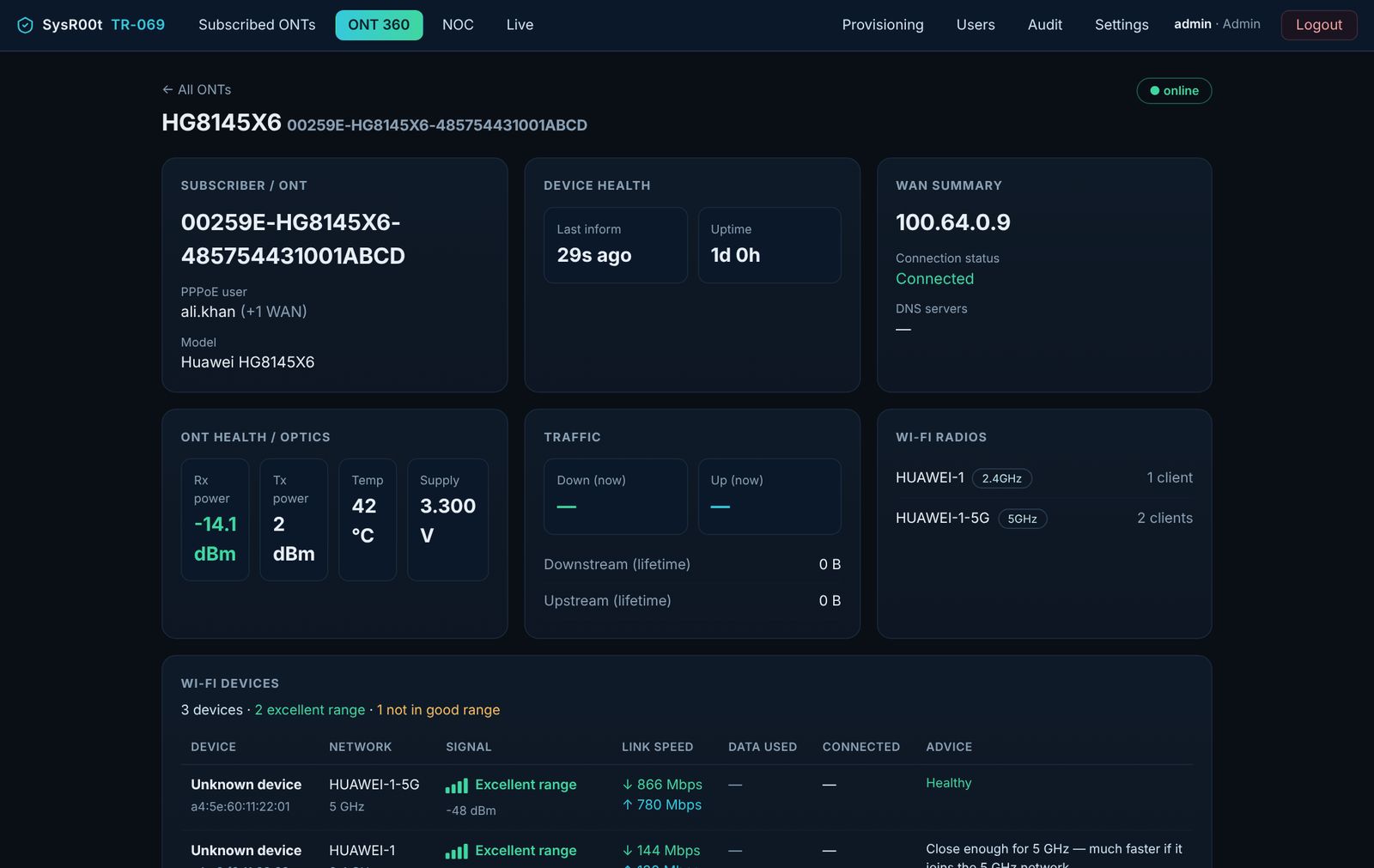
Subscribed ONTs & ONT 360
Every ONT with its status, PPPoE user and last contact. One click opens a 360° view: WAN, optics, traffic, Wi-Fi radios and connected devices.
Wi-Fi Insight
Raw dBm turned into plain language — Excellent / Good / Not in good range — with link speed, data used and advice for every connected device.
ONT 360 tools
One-click health check, Wi-Fi name / password / channel changes, ping and traceroute run from the ONT itself, and shared notes per subscriber.
Zero-touch provisioning
New ONTs wait in a queue. Review the proposed PPPoE, Wi-Fi and management settings, confirm, and the portal pushes them — every step verified on the ONT.
WAN editor
Create or edit any WAN: PPPoE / IPoE, route / bridge, INTERNET / VOIP / IPTV service types, IPv4 / IPv6, VLAN + 802.1p, MRU and LAN / SSID binding. The TR-069 WAN stays locked.
WhatsApp alerts
ONT offline, low or dropping fibre signal and new ONT provisioned — sent to your NOC on WhatsApp through the Meta Cloud API. Burst-grouped so nobody is spammed.
Users & roles
Admin, Support and View-only accounts. Limit any user to a chosen set of ONTs — 5, 10, 100 or all. View-only users never see edit controls.
NOC & Live traffic
A network-wide health board and real-time per-WAN throughput, straight from the ONT — no SNMP to set up.